
Share a worship service with a public link, QR code, or website embed so members and guests can easily find it. Also, ensure your portal is published and your worship service is visible to the public
Before sharing
- Your church portal must be enabled and have a portal URL.
- The worship service must be public or configured to show in the portal.
- Add a clear service name, date, time, location, description, and image when available.
Share the worship service
- Open Gatherings → Worship Services.
- Select the worship service.
- Select Share near the top of the page.
- Use the public portal link, QR code, or website embed option provided by ChurchTrakr.
Share one occurrence
- Open a recurring worship service and scroll to Event Series.
- Find the occurrence you want to promote.
- Select Share for that occurrence.
- Copy or distribute the occurrence-specific portal link or QR code. Or copy the embed code and put the service on your website or other web address.
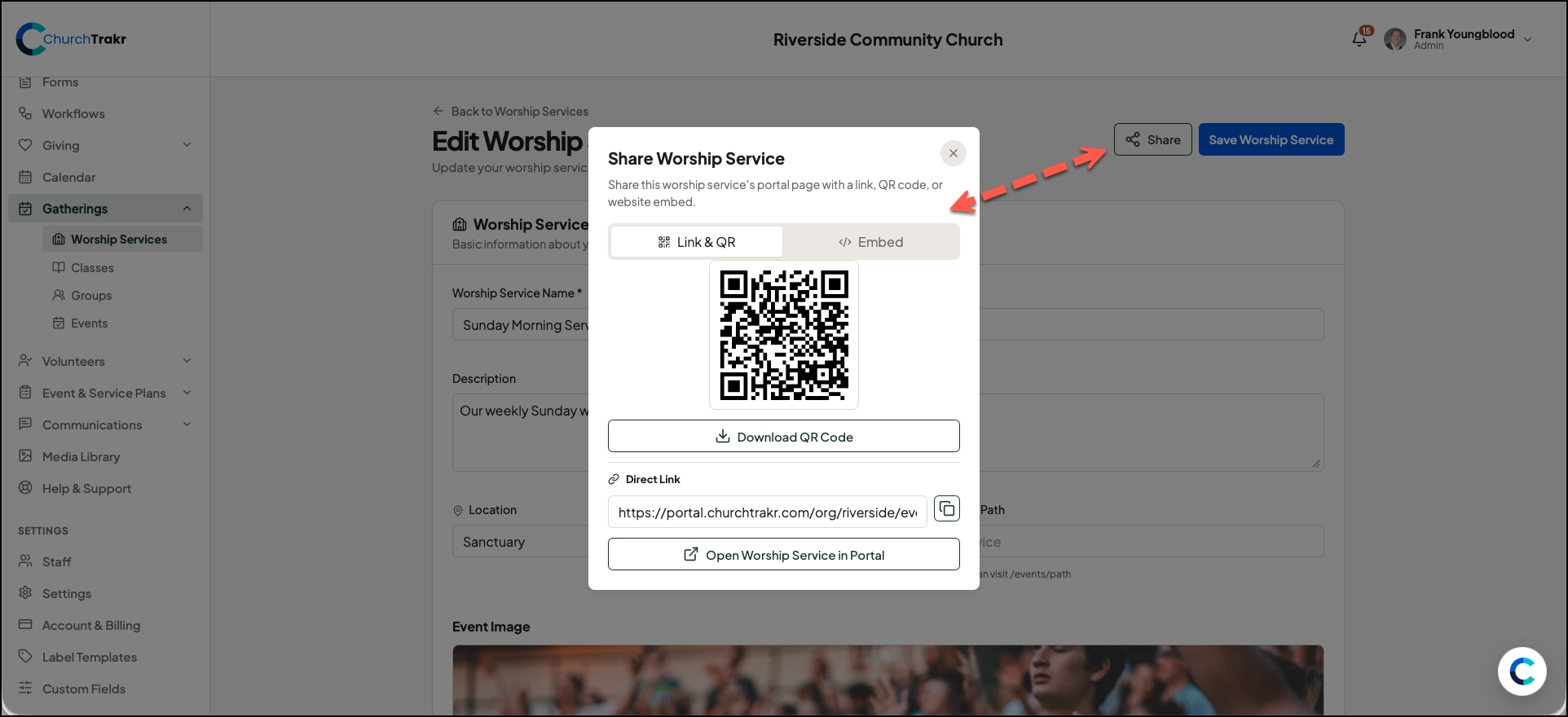
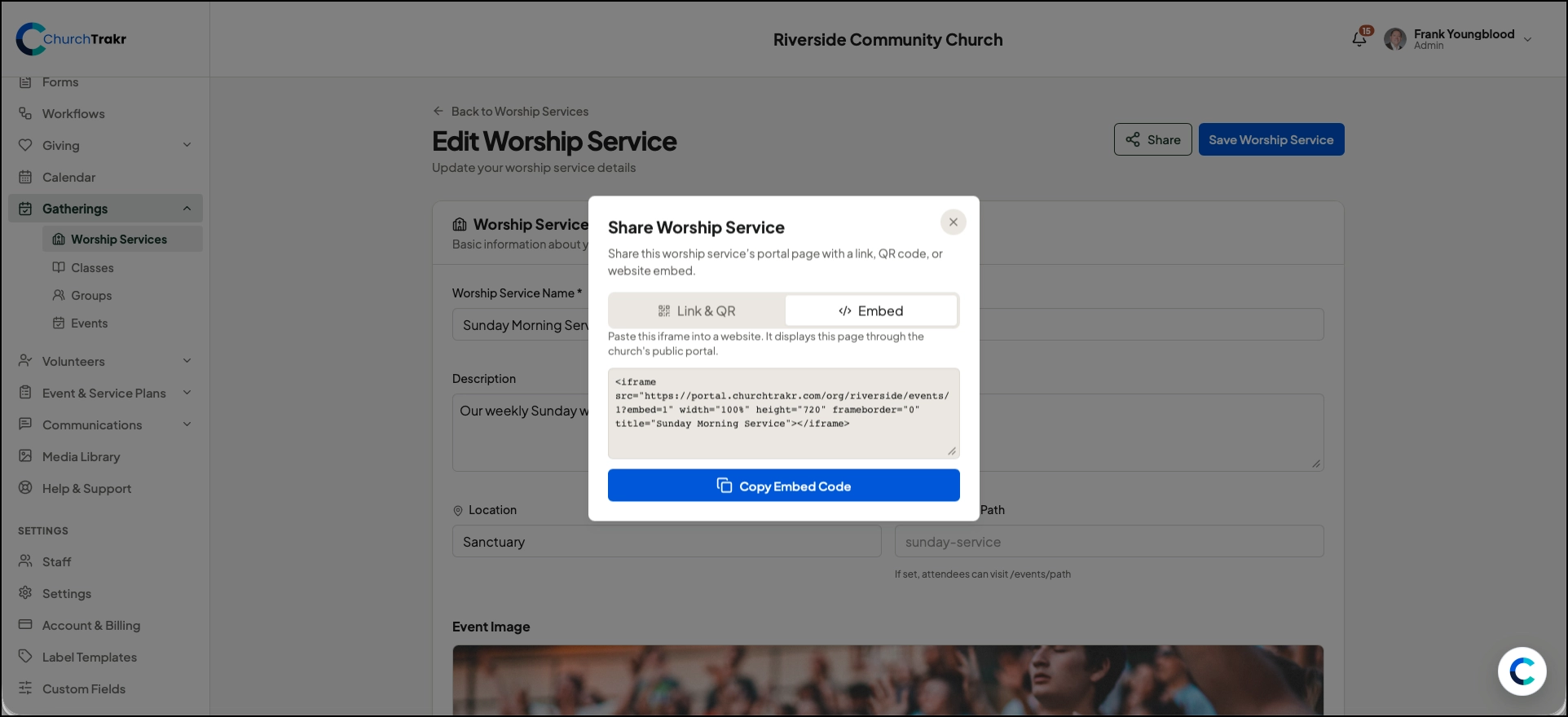
If Share is unavailable, confirm that the church portal is configured and that the worship service is public or shown in the portal.