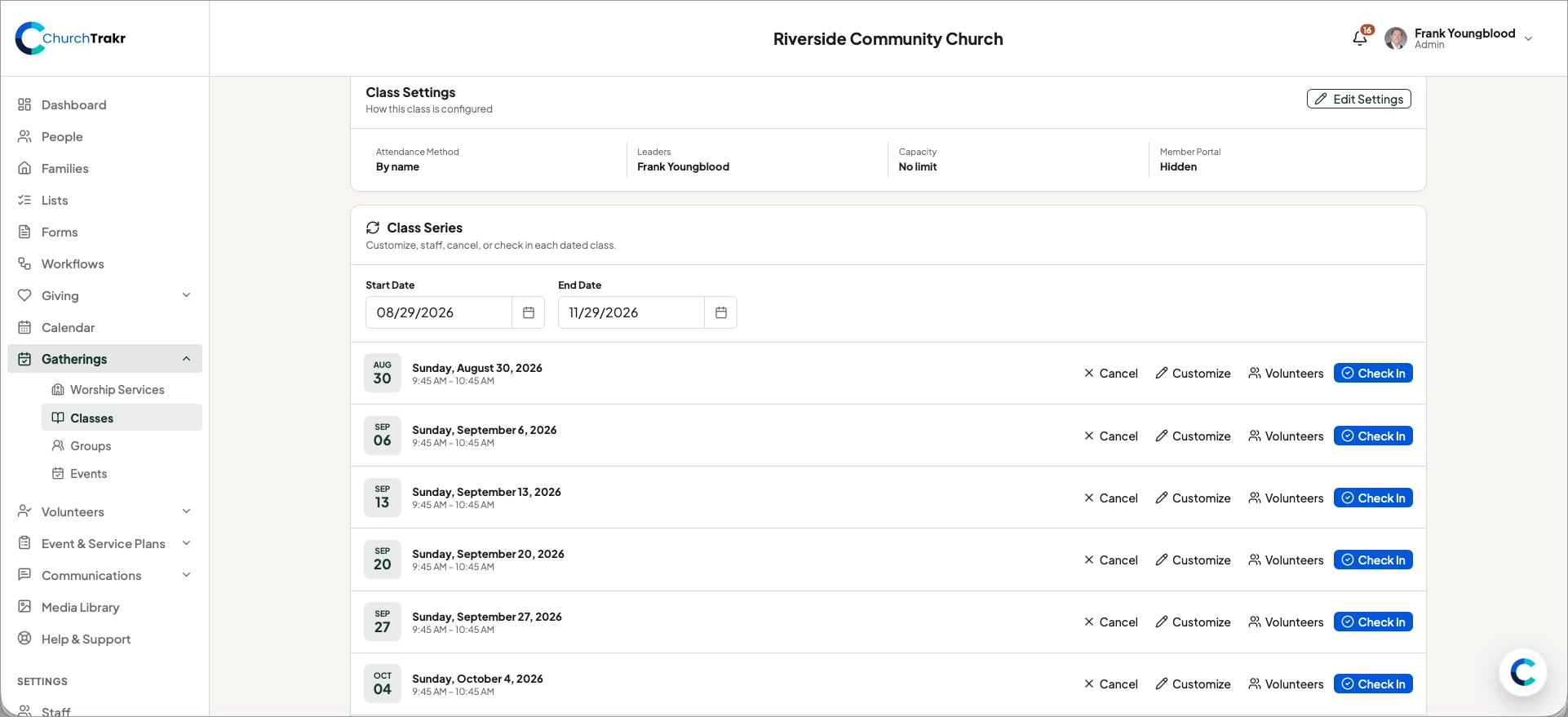
A repeating class creates a series of scheduled meetings. You can manage the series while still customizing an individual date.
View the class series
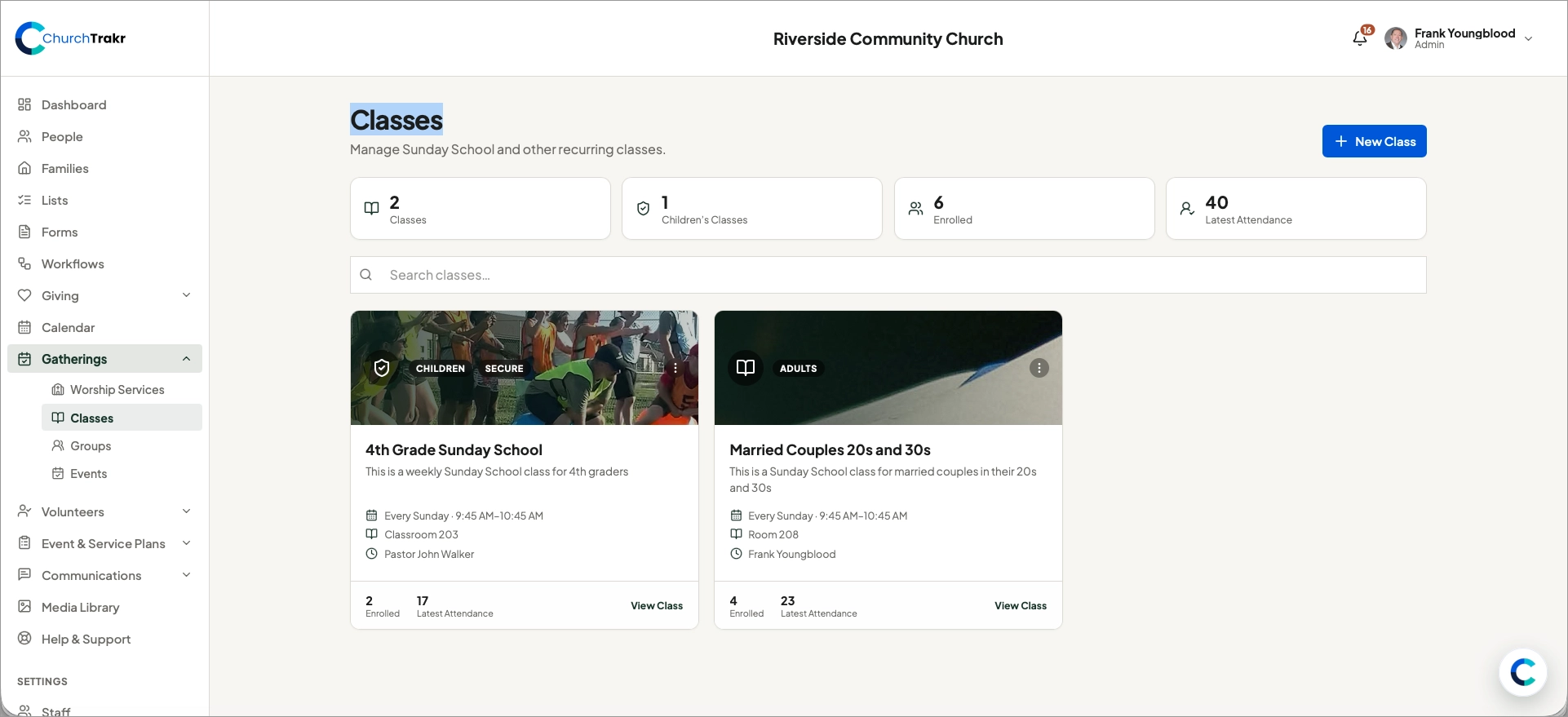
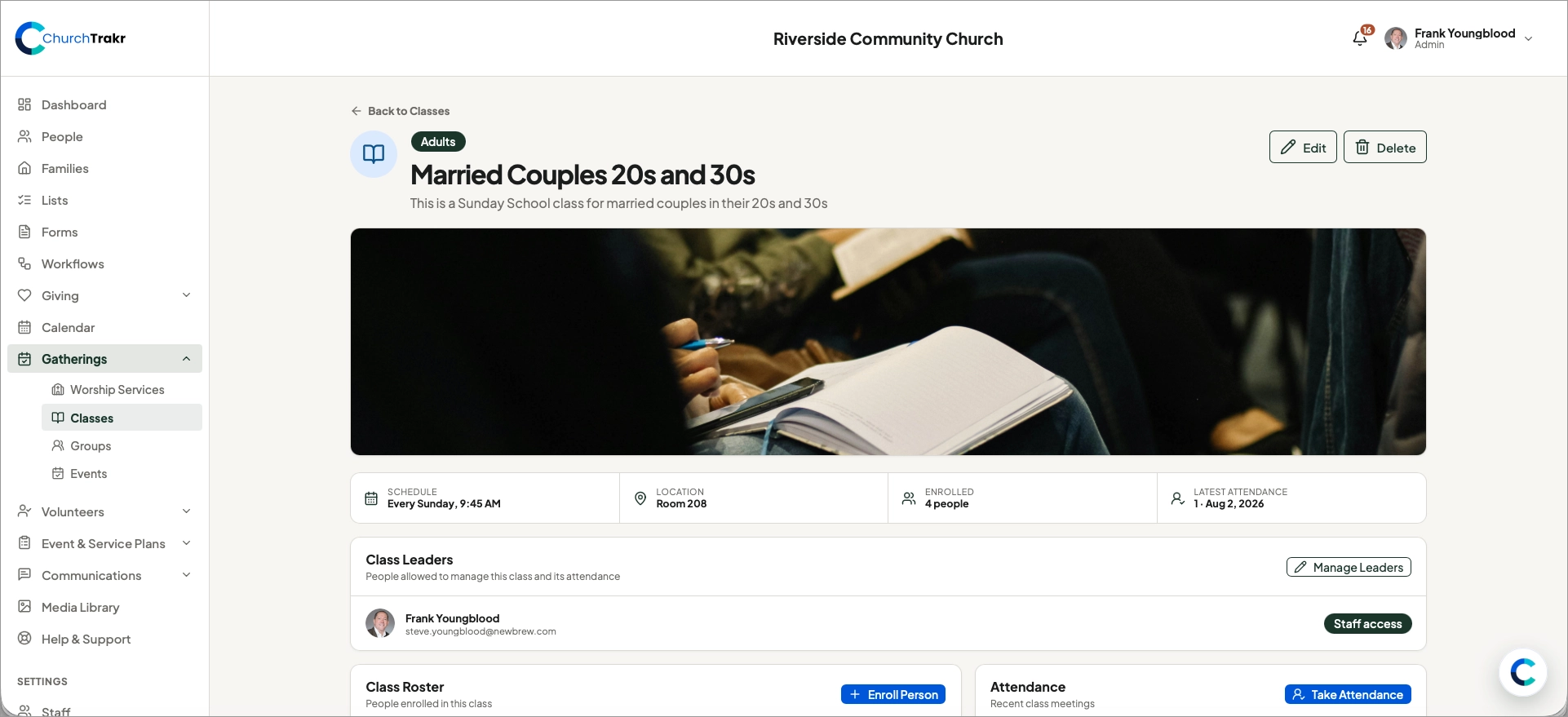
- Open Classes and select the class.
- Find the Class series.
- Use the date filter to locate the occurrence you need.
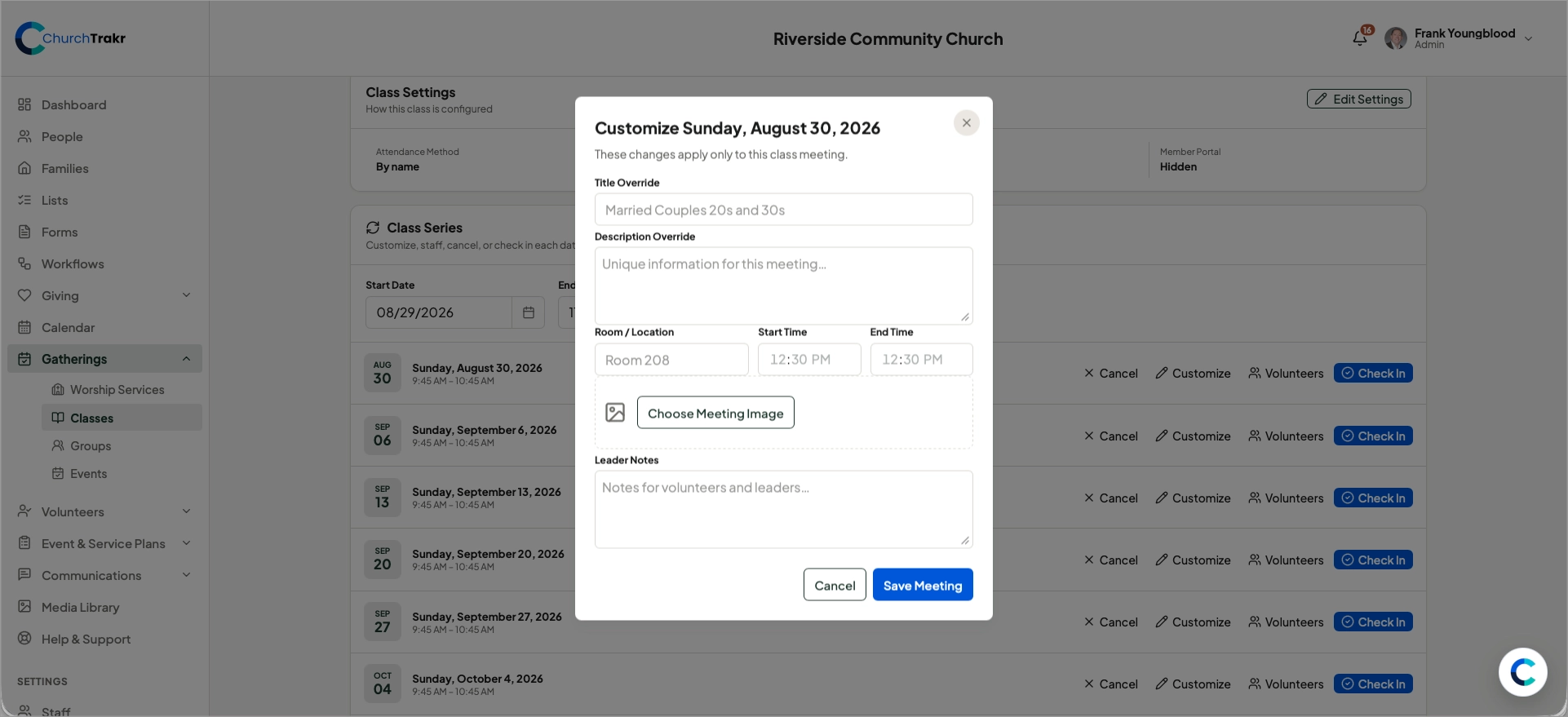
Customize one occurrence
Open an occurrence to change its title, description, room or location, start and end times, image, or leader notes. These details are useful when one meeting differs from the normal class schedule.
Cancel or restore a meeting
Cancel an occurrence when the class will not meet on that date. If plans change, return to the occurrence and restore it.
Manage volunteers and check-in
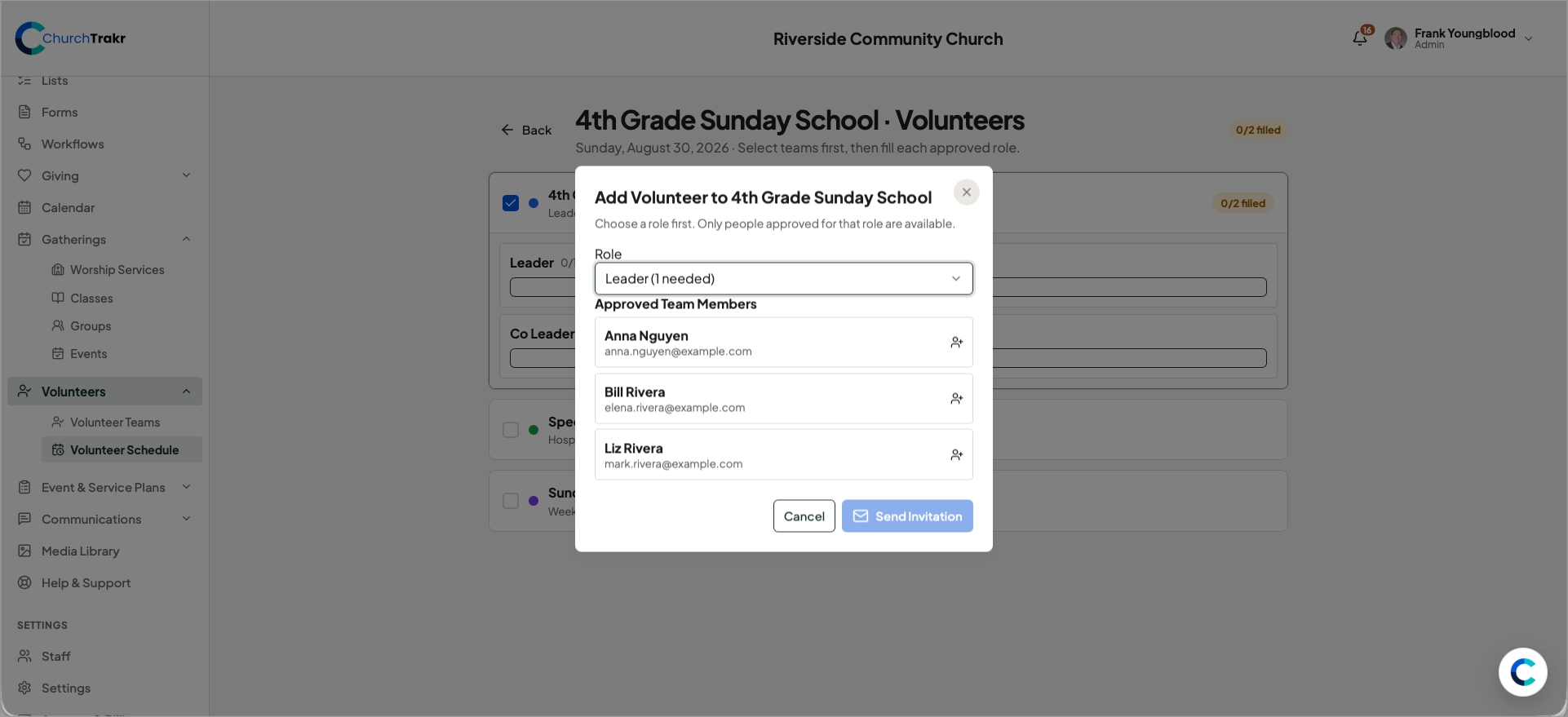
Each occurrence can have its own volunteers. While most adult classes will have permanent leaders, children’s classes will have both leaders and volunteers.
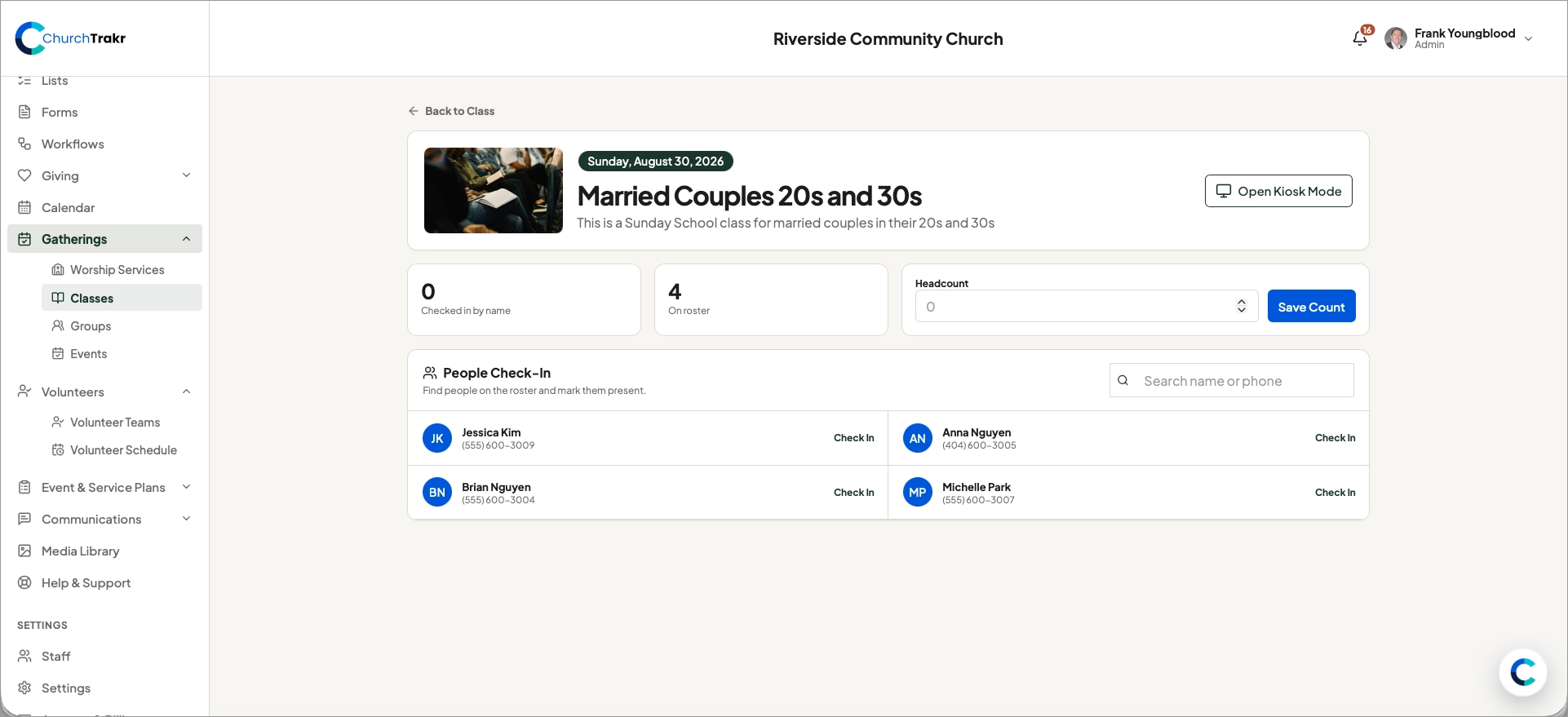
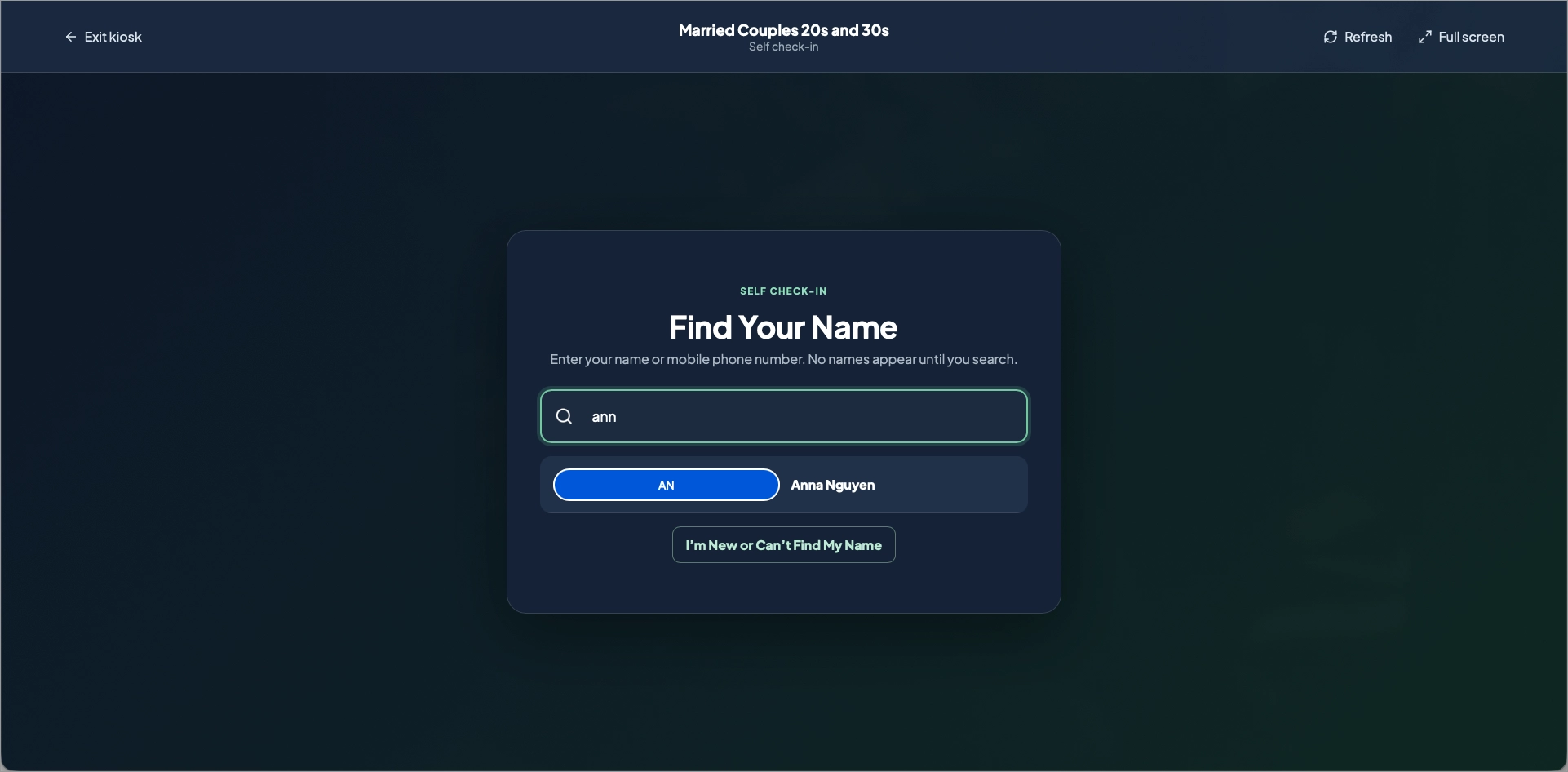
When a class begins, open that occurrence and select Check In to record attendance using the class’s configured method. You can record headcount, add by person or allow people to self check-in via kiosk mode.