Families are a combination of related people in ChurchTrakr. They can be a husband, wife and children. Or just a husband and wife. They can include grandchildren, cousins. They could include guests who attend on a regular basis as part of a family.
Create a family
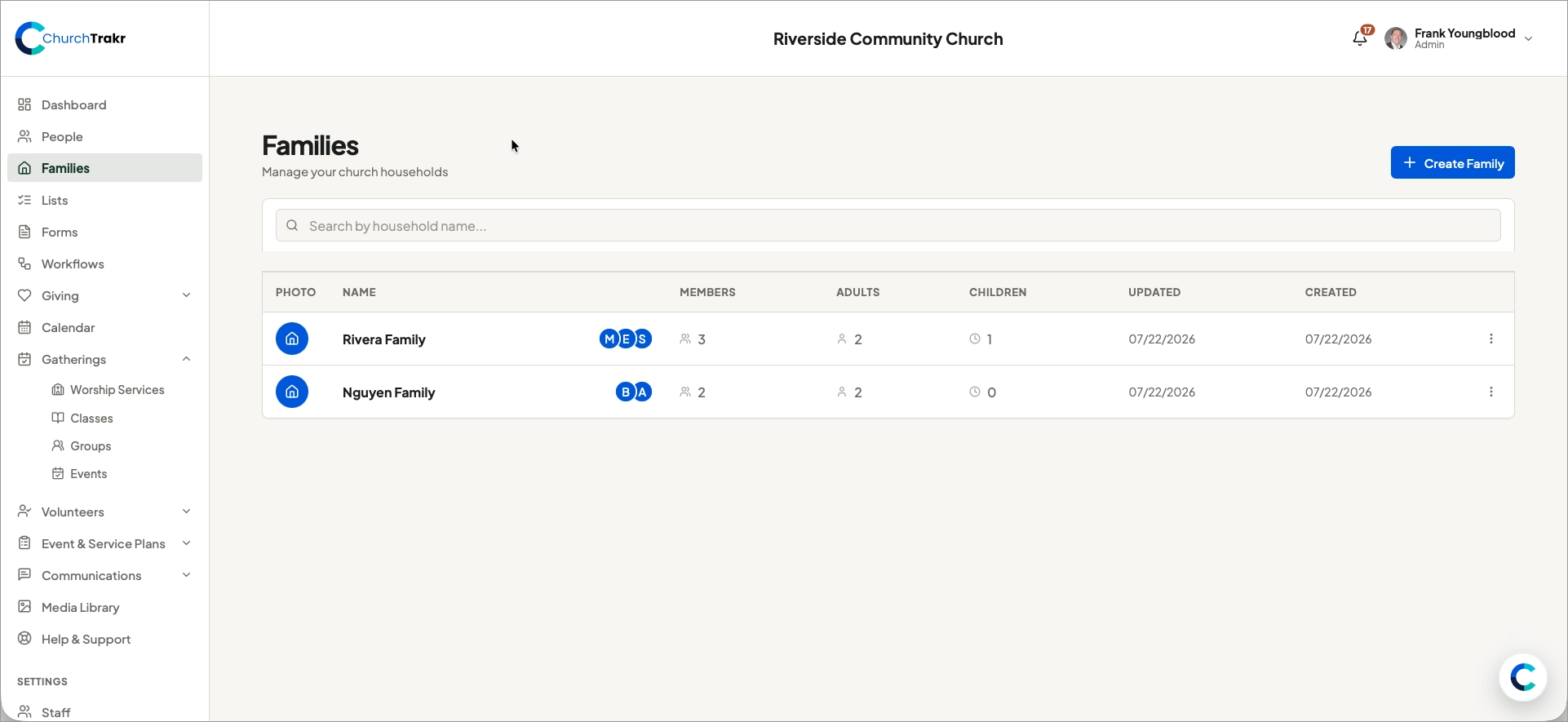
- Go to “Families” on the ChurchTrakr sidebar.
- Click on the blue button titled “Create Family”
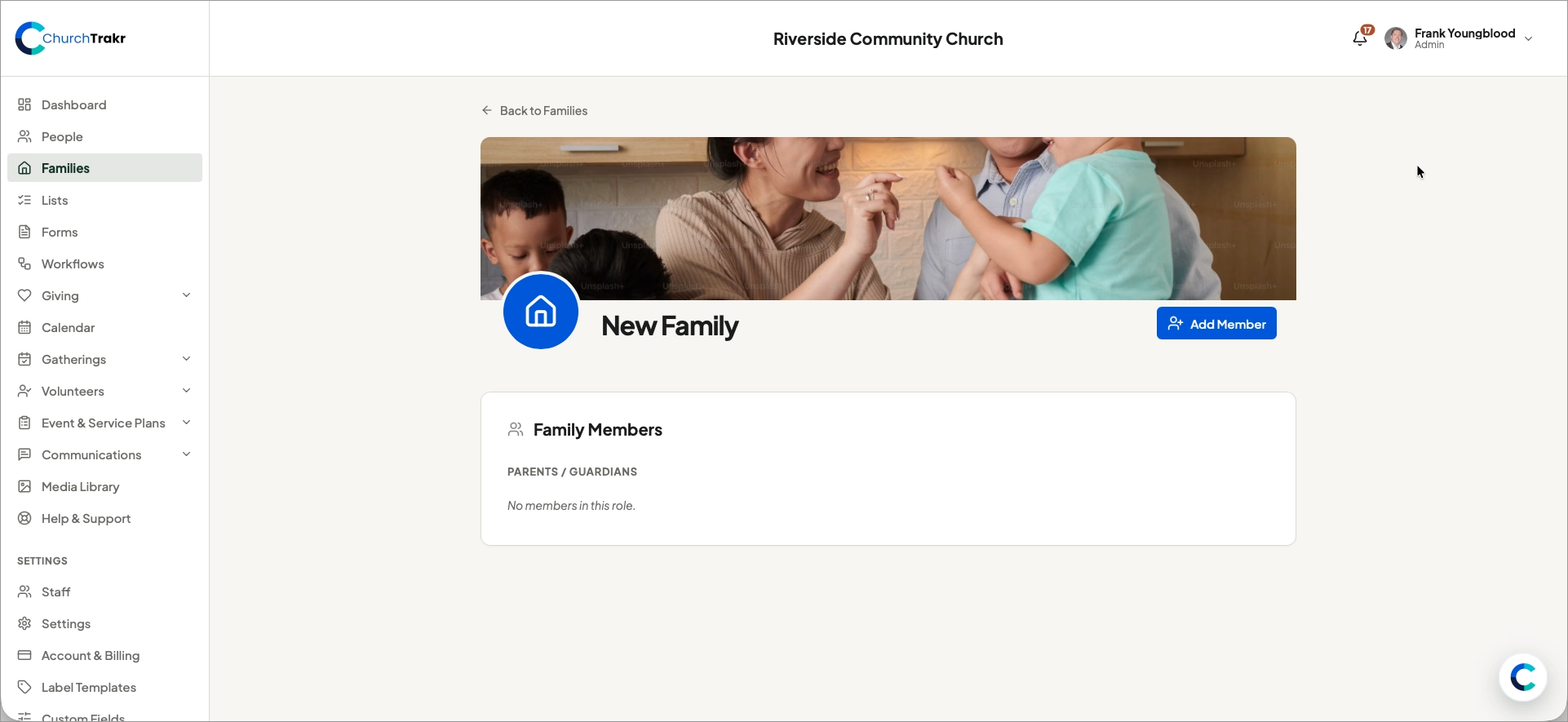
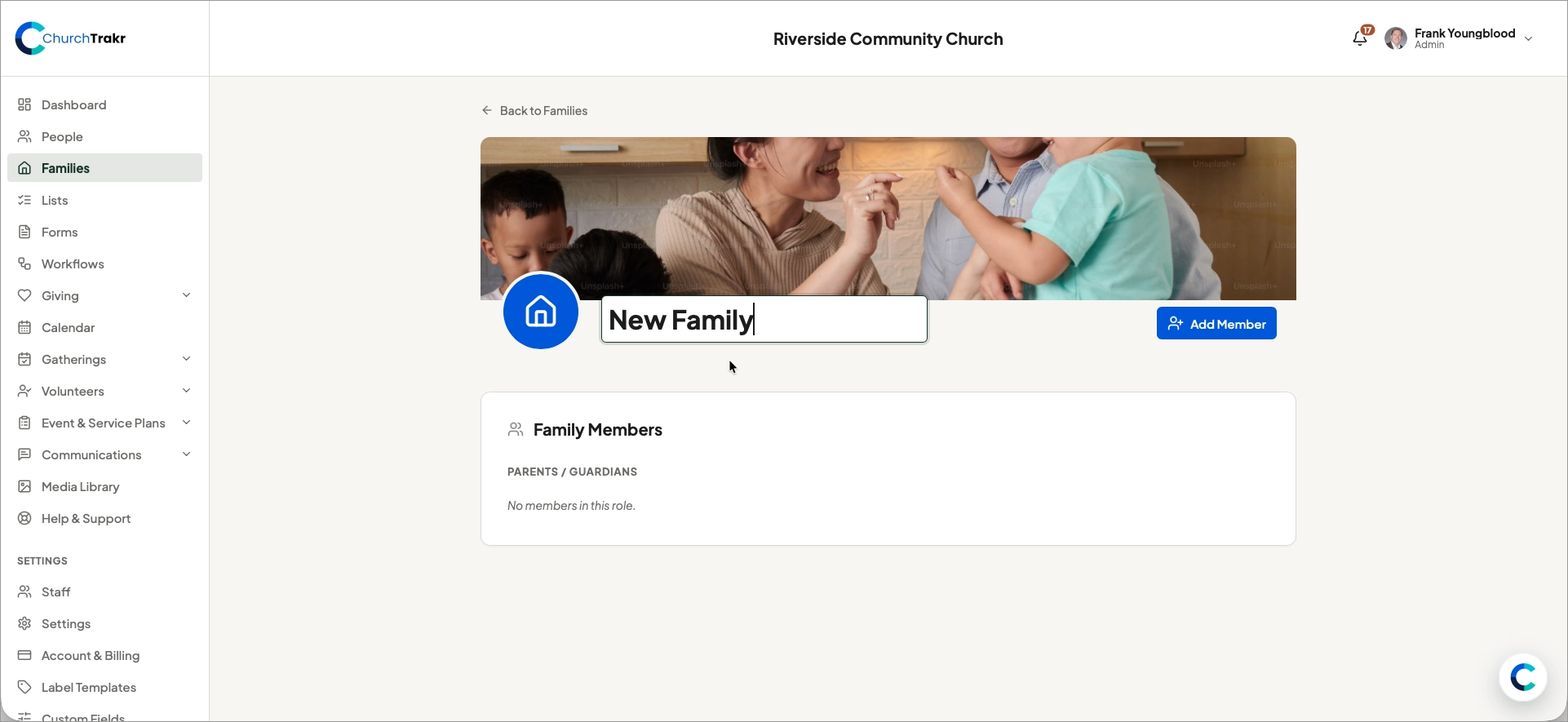
- Click on “New Family” and change the name to one that represents the family
Add members to family
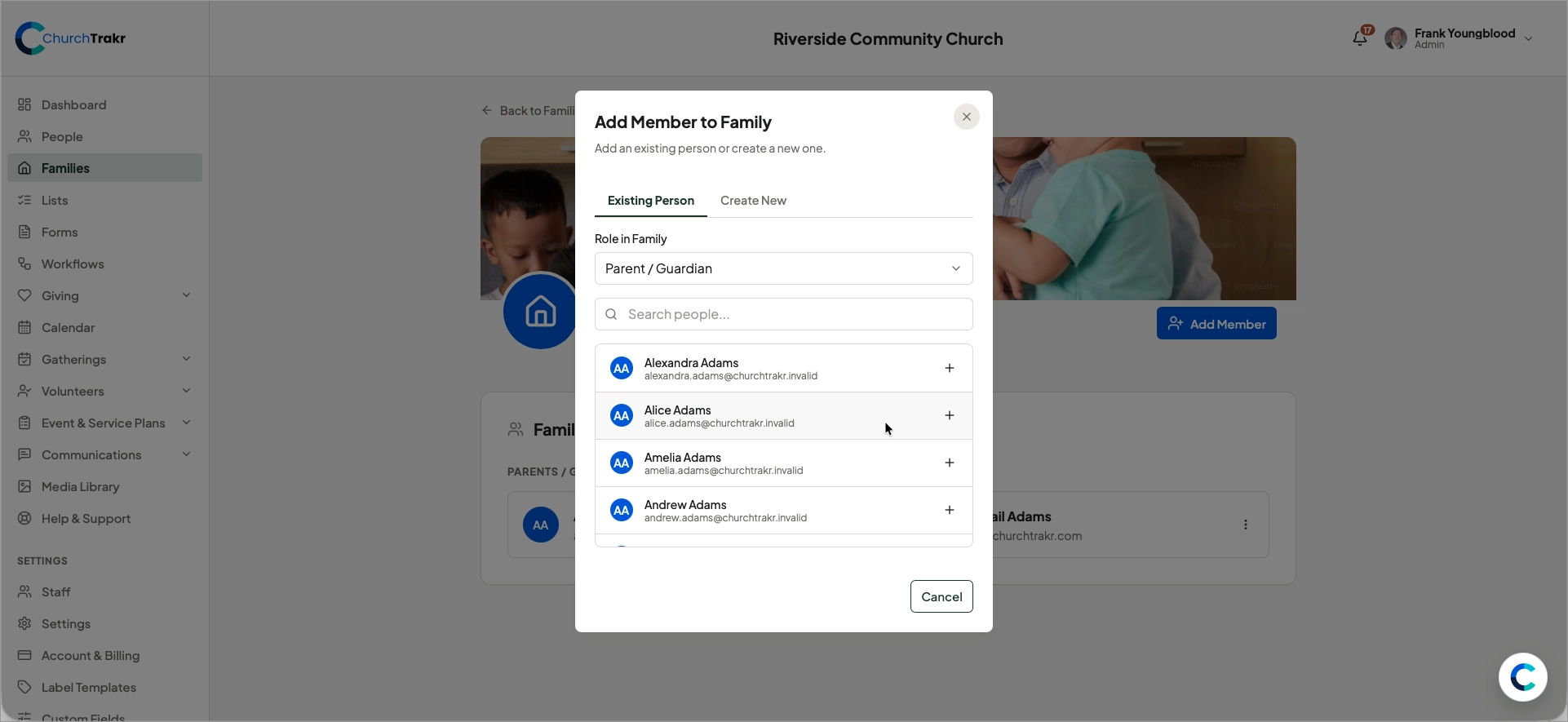
- Click the blue button titled “Add Member”
- Choose a role and then search for people in your ChurchTrakr database OR create a new person.