Each worship service occurrence can connect the operational pieces needed for that service date, including its service plan, volunteer schedule, and attendee check-in.
Open the service occurrence
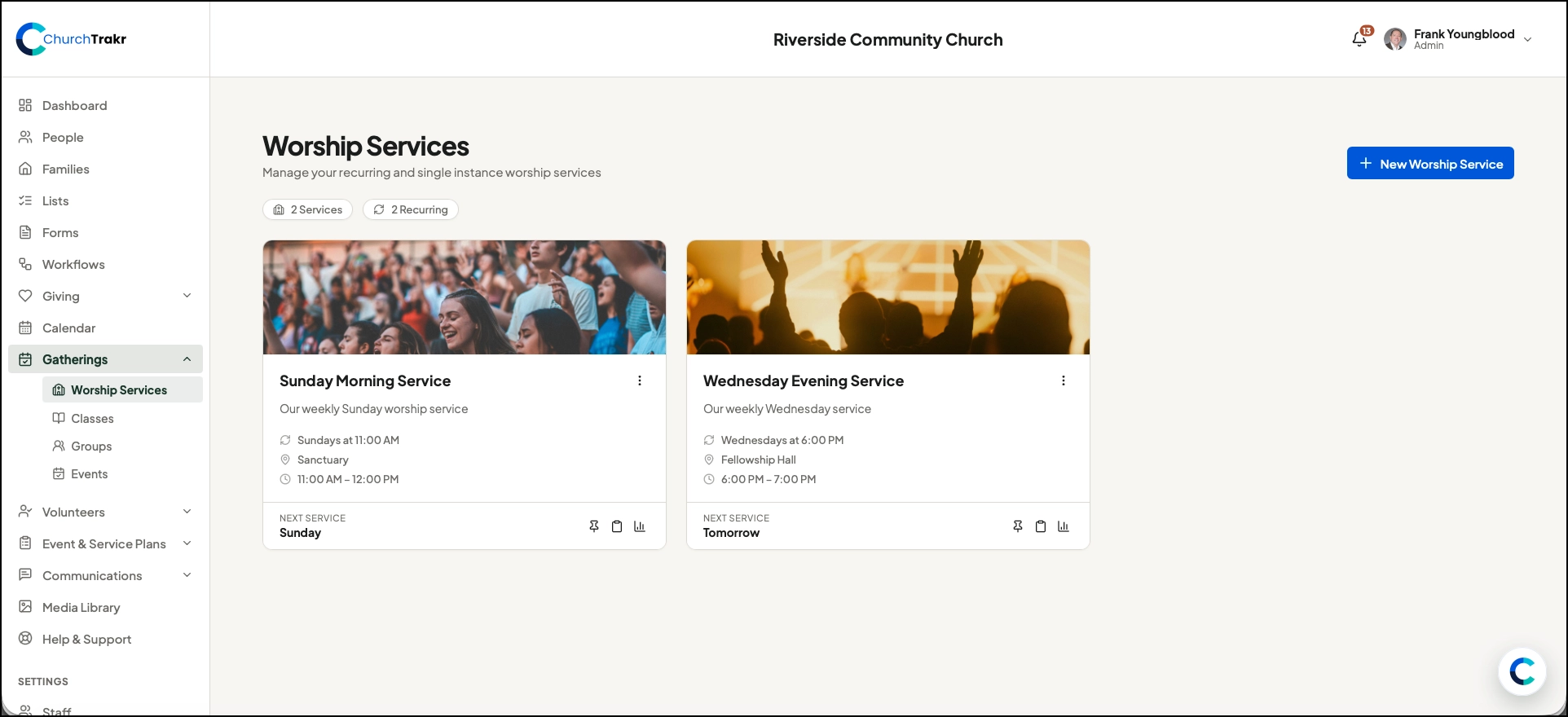
- Open Gatherings → Worship Services.
- Select the worship service.
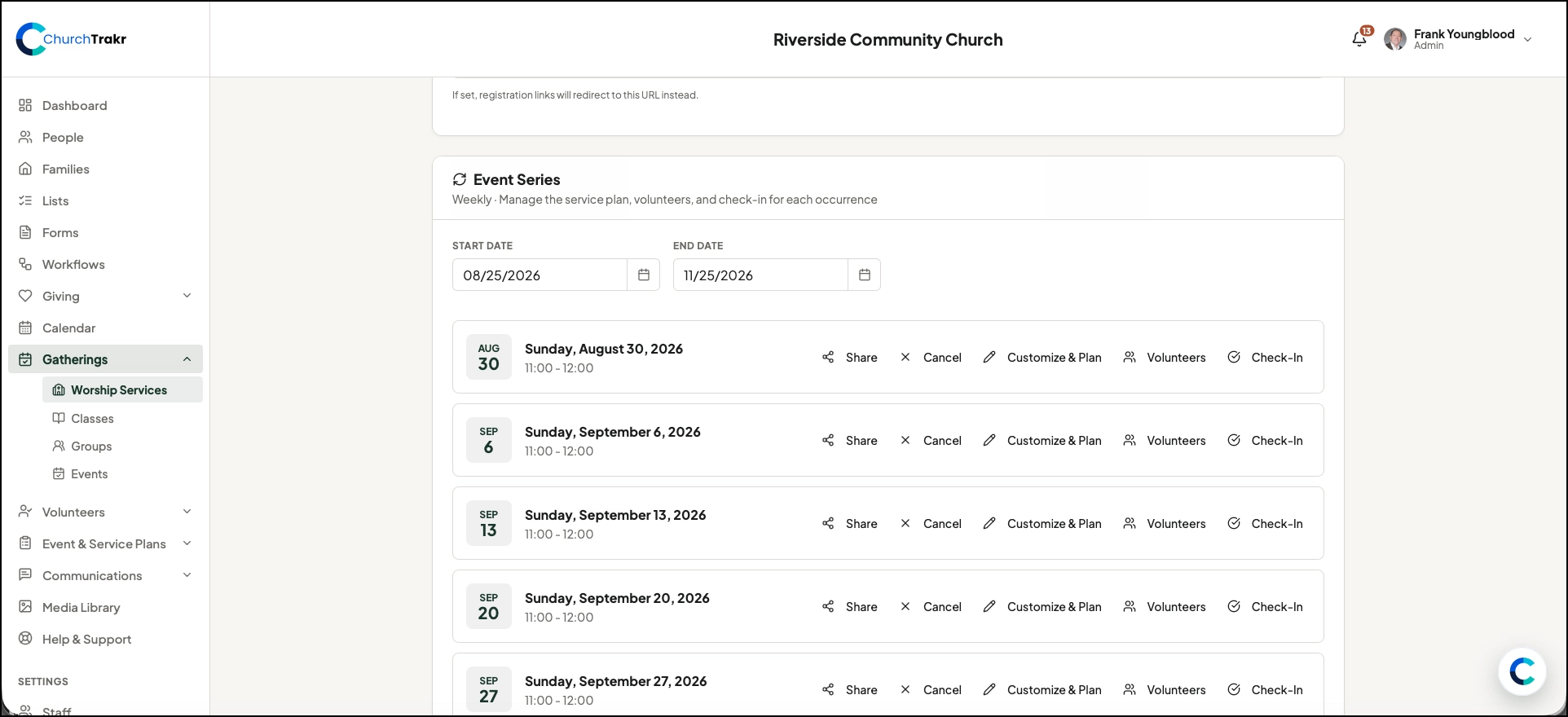
- For a recurring service, locate the date in Event Series.
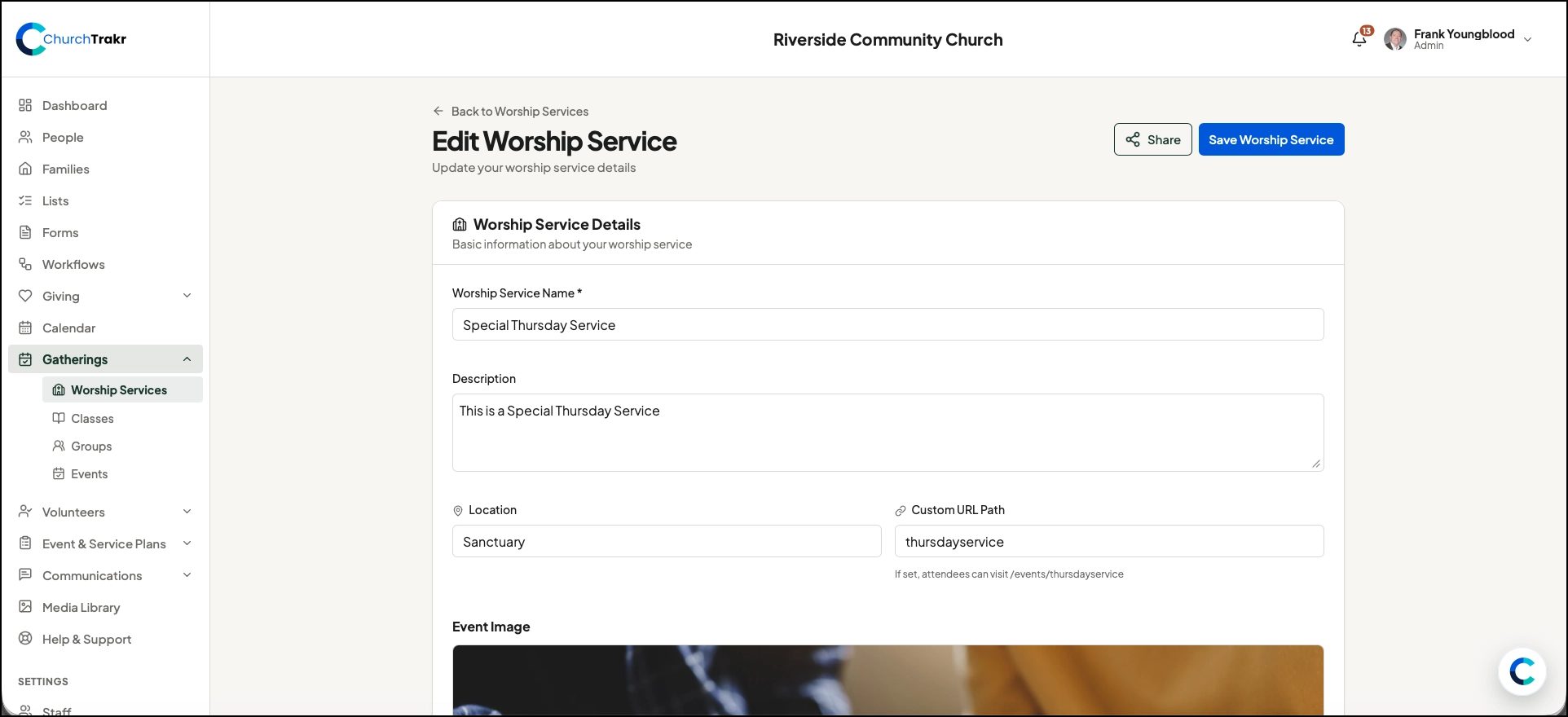
- For a single service, use the Worship Service Details section shown on the page.
Connect a service plan
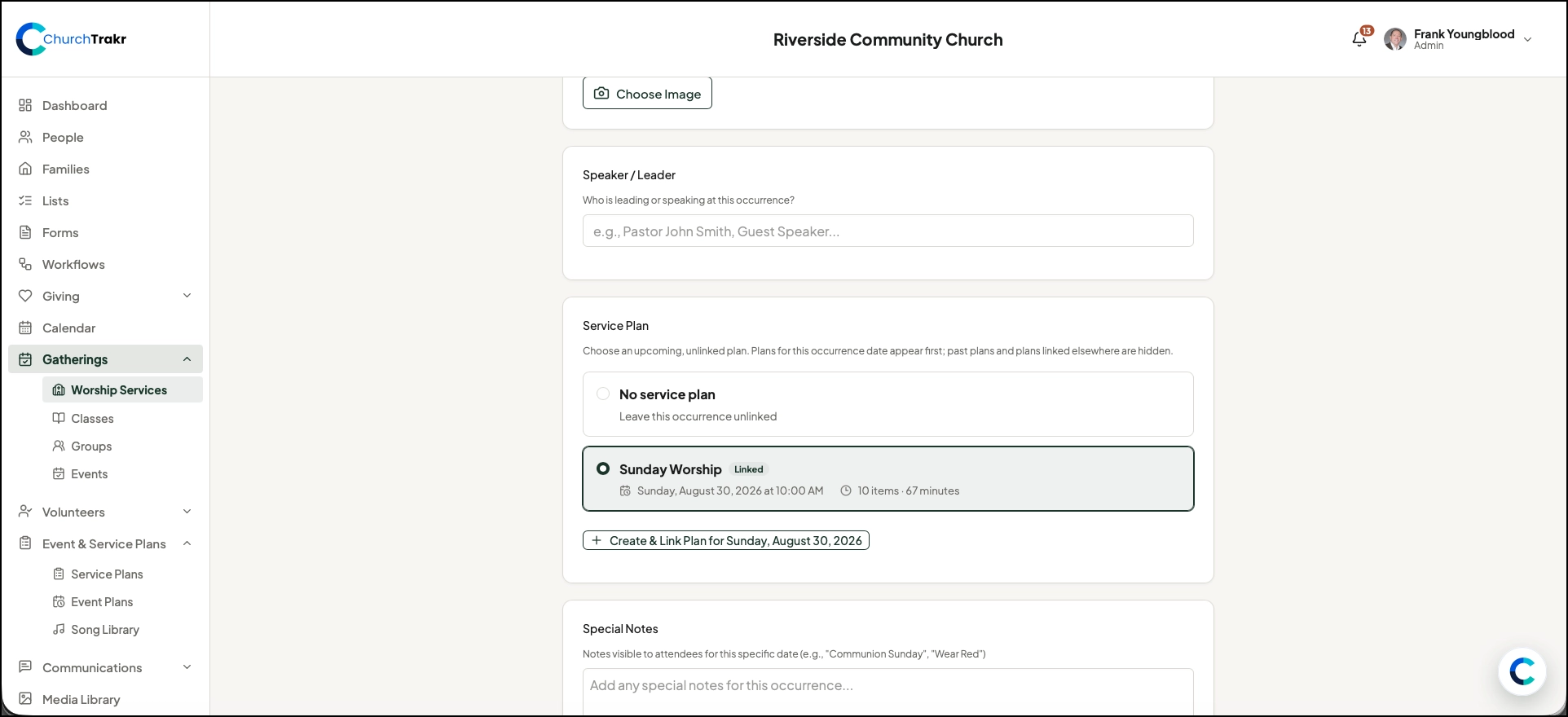
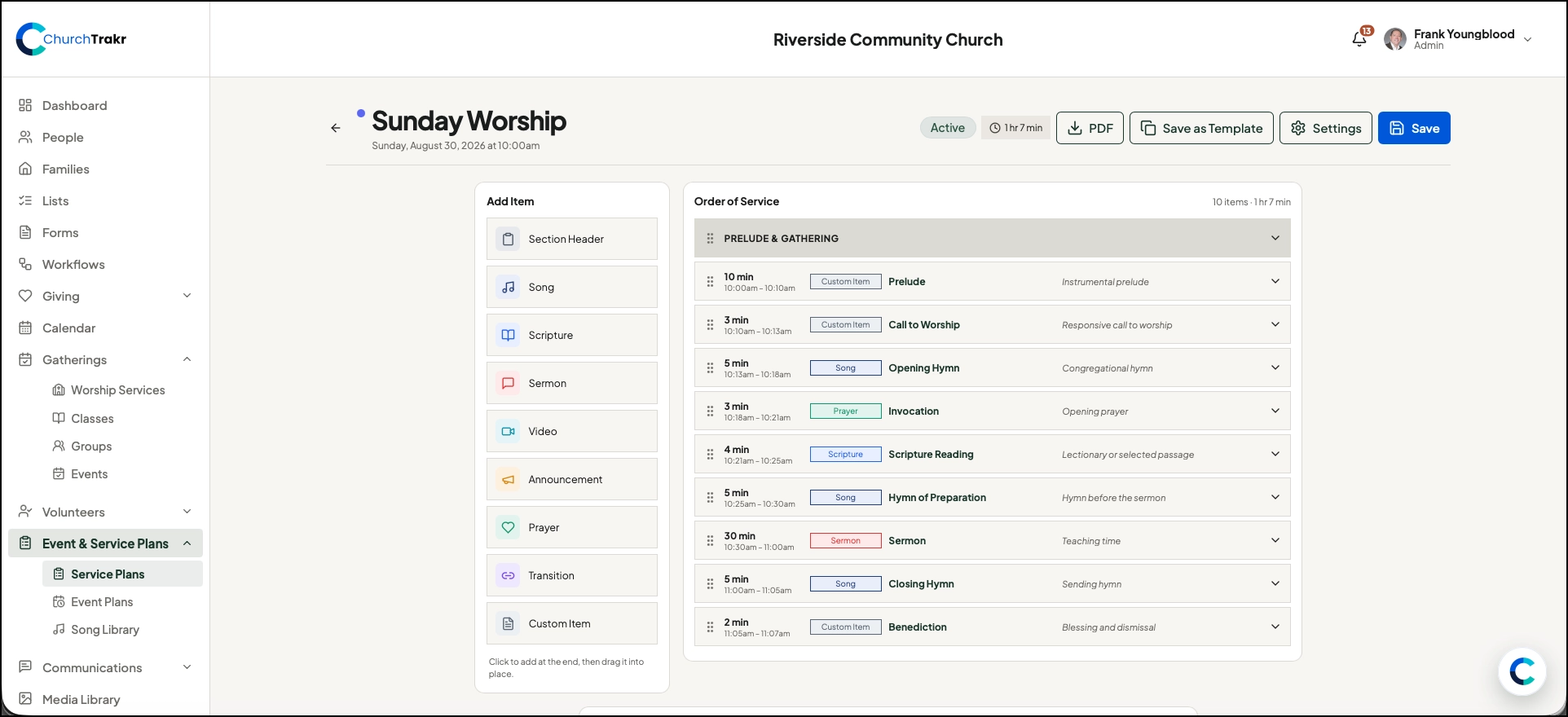
Select Customize & Plan for the occurrence. Choose or manage the service plan that should be used for that date. Service plans can contain the order and details used by the ministry team.
Schedule volunteers
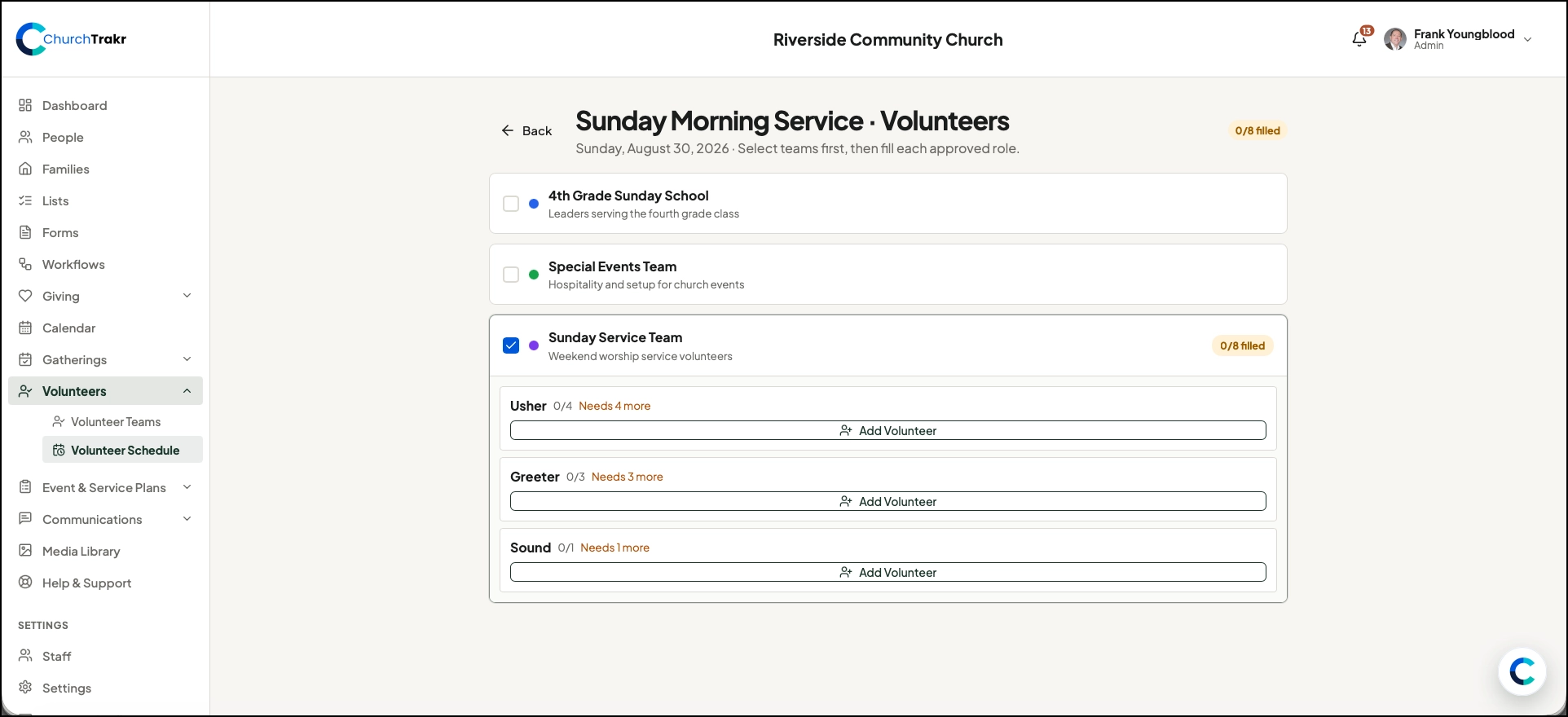
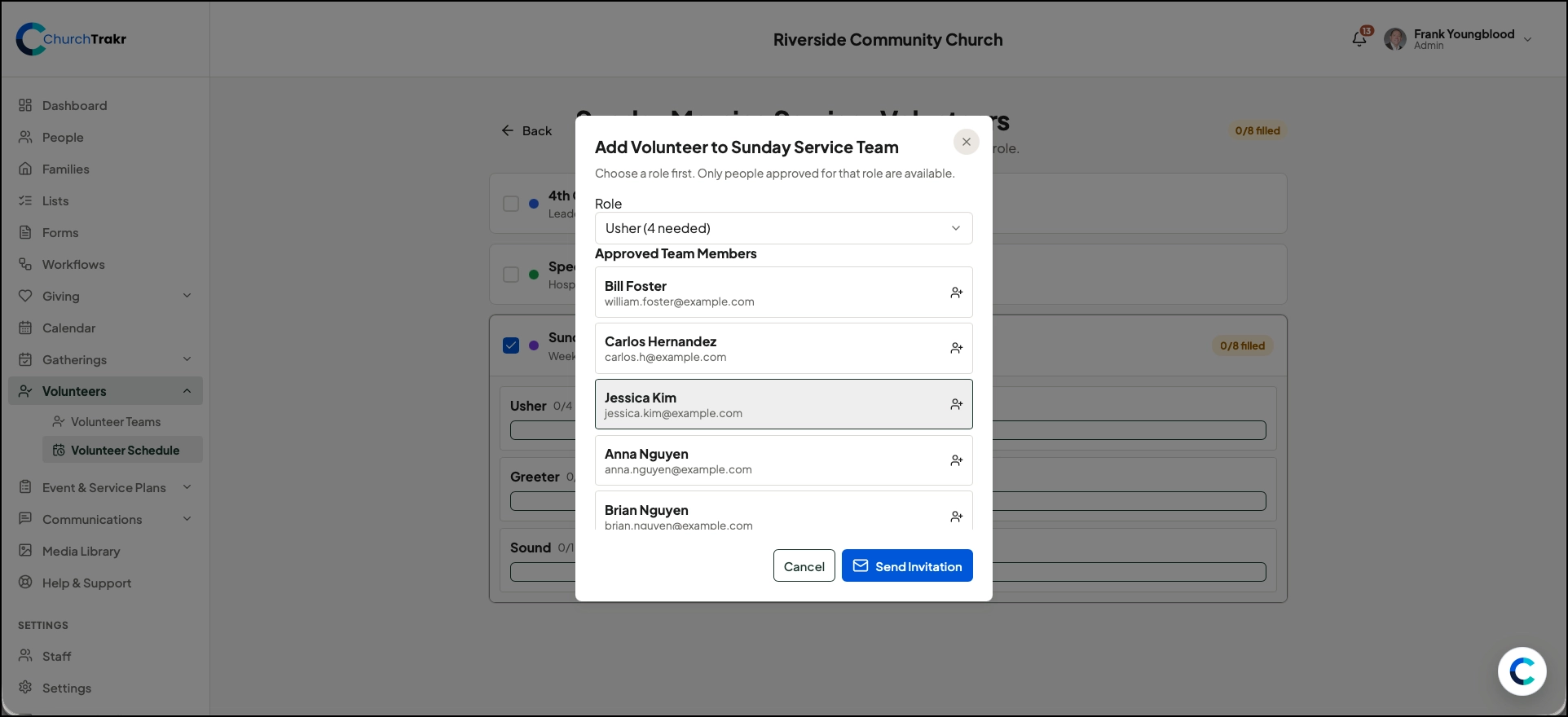
Go to an occurrence for a Worship Service and click Volunteers, then click on the appropriate Volunteer team and then add volunteers (coming from prebuilt teams and roles.) If not recurring, go to Worship Service Management and click Volunteers. Then click on the appropriate Volunteer team and then add volunteers.
Check-in
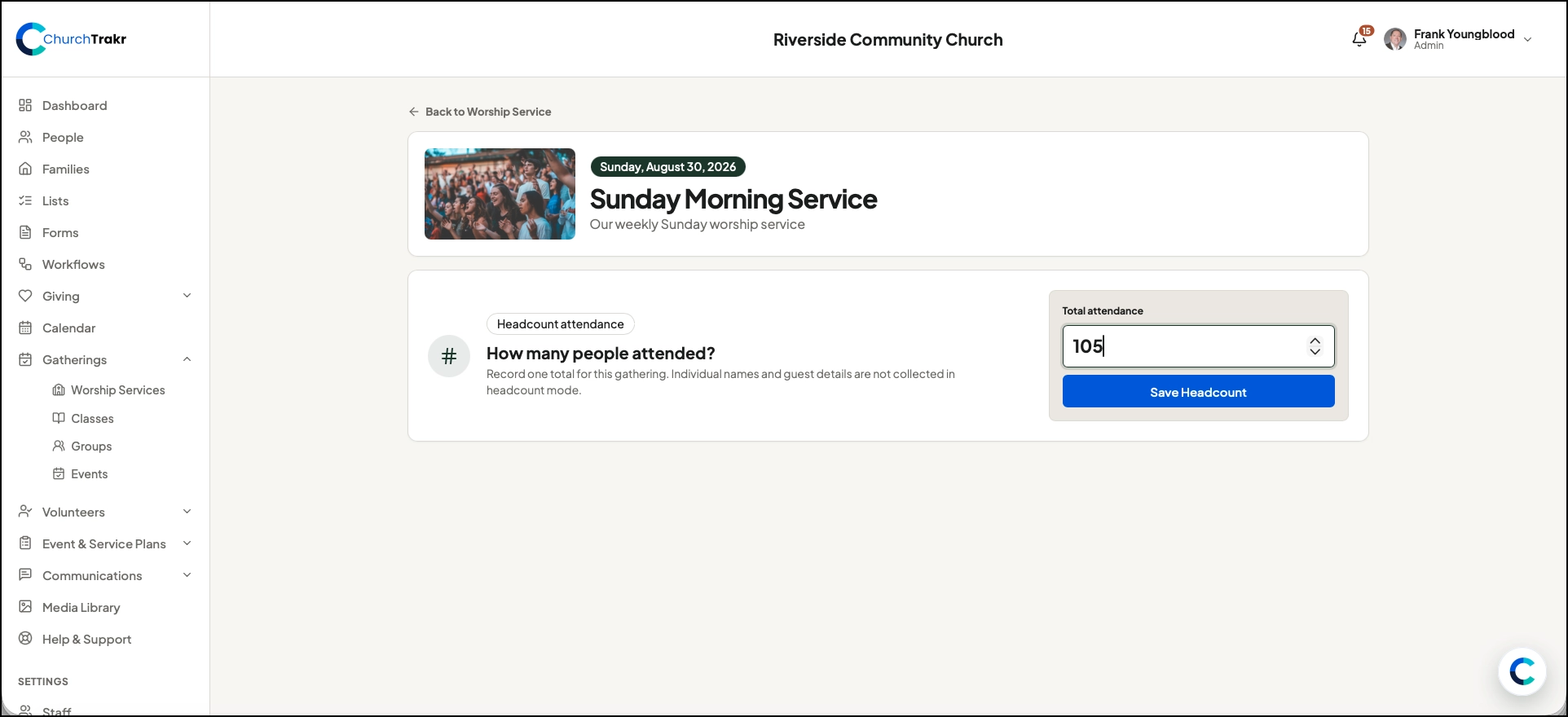
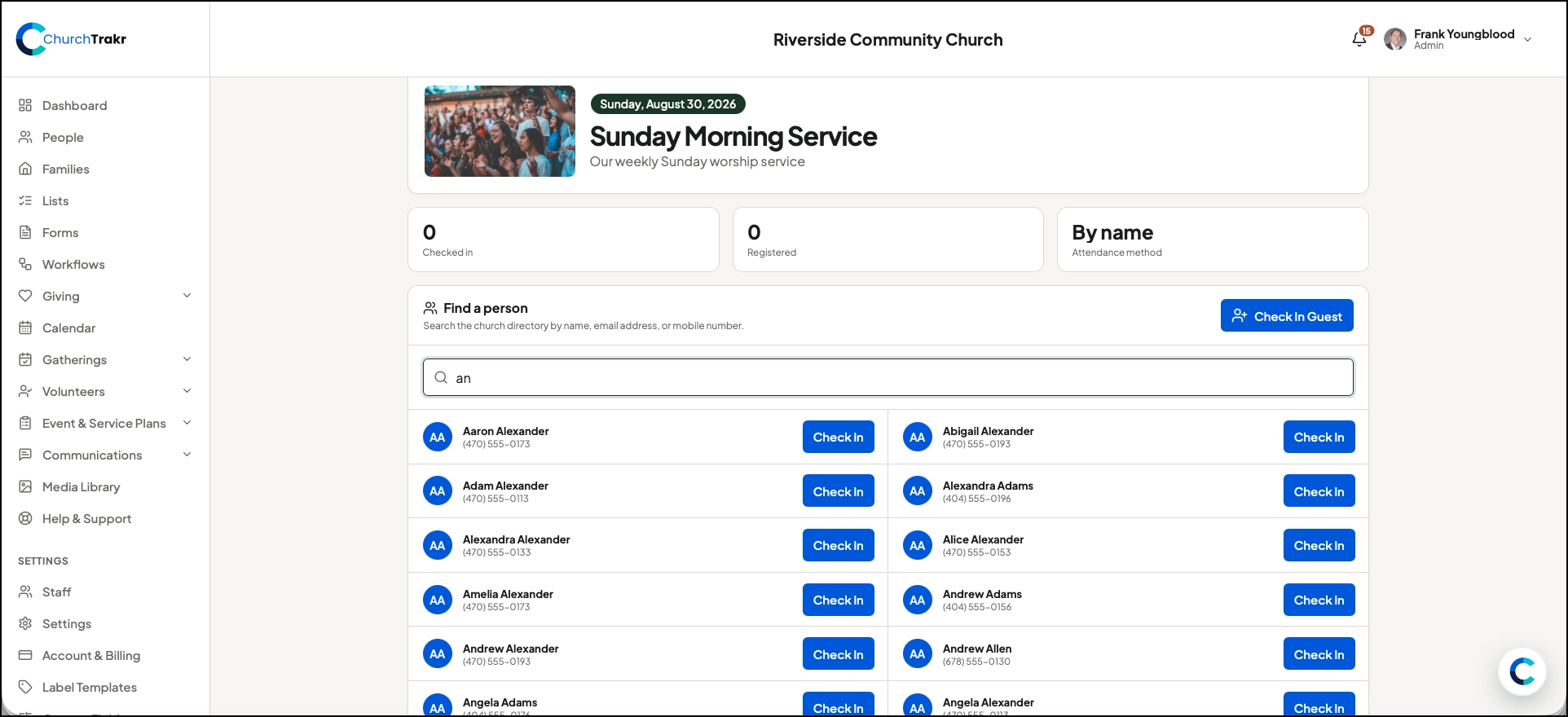
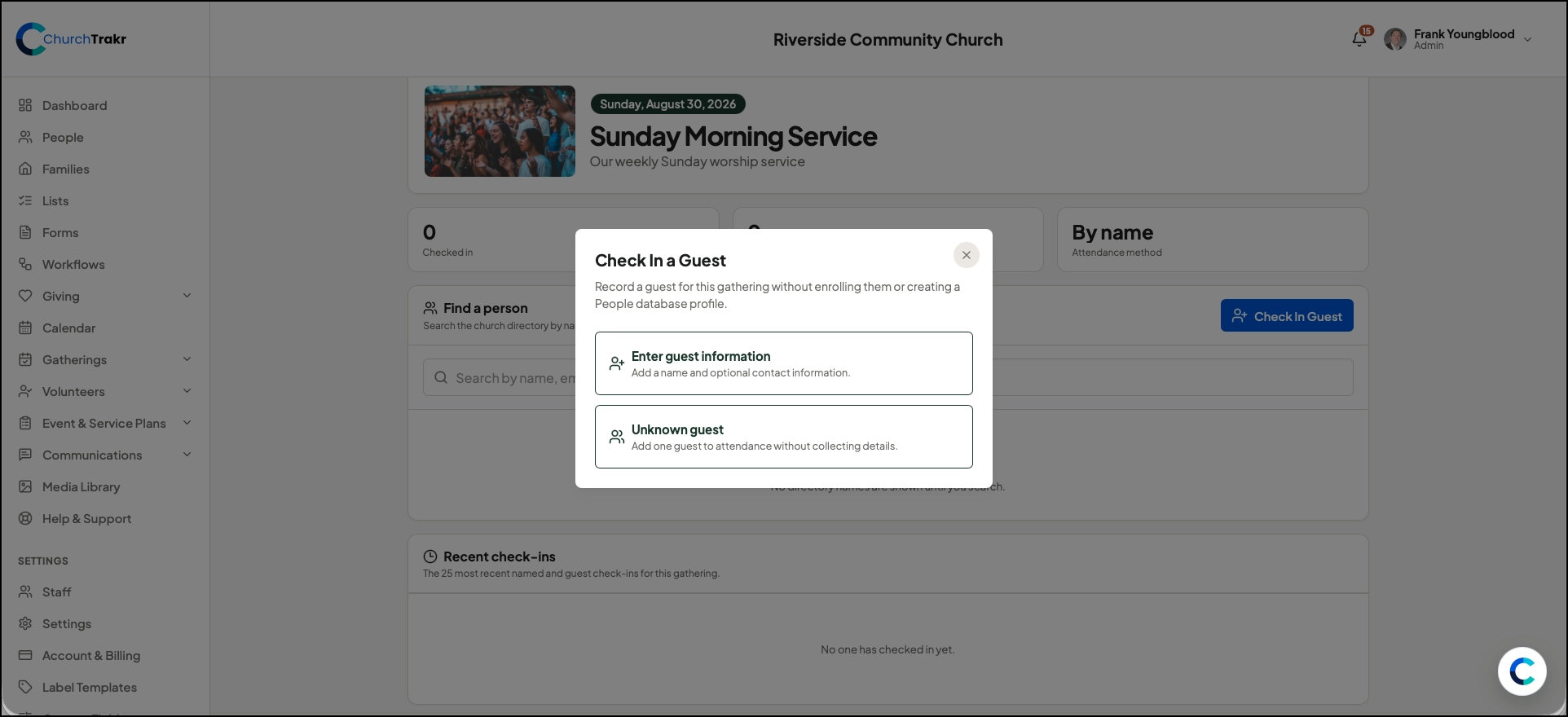
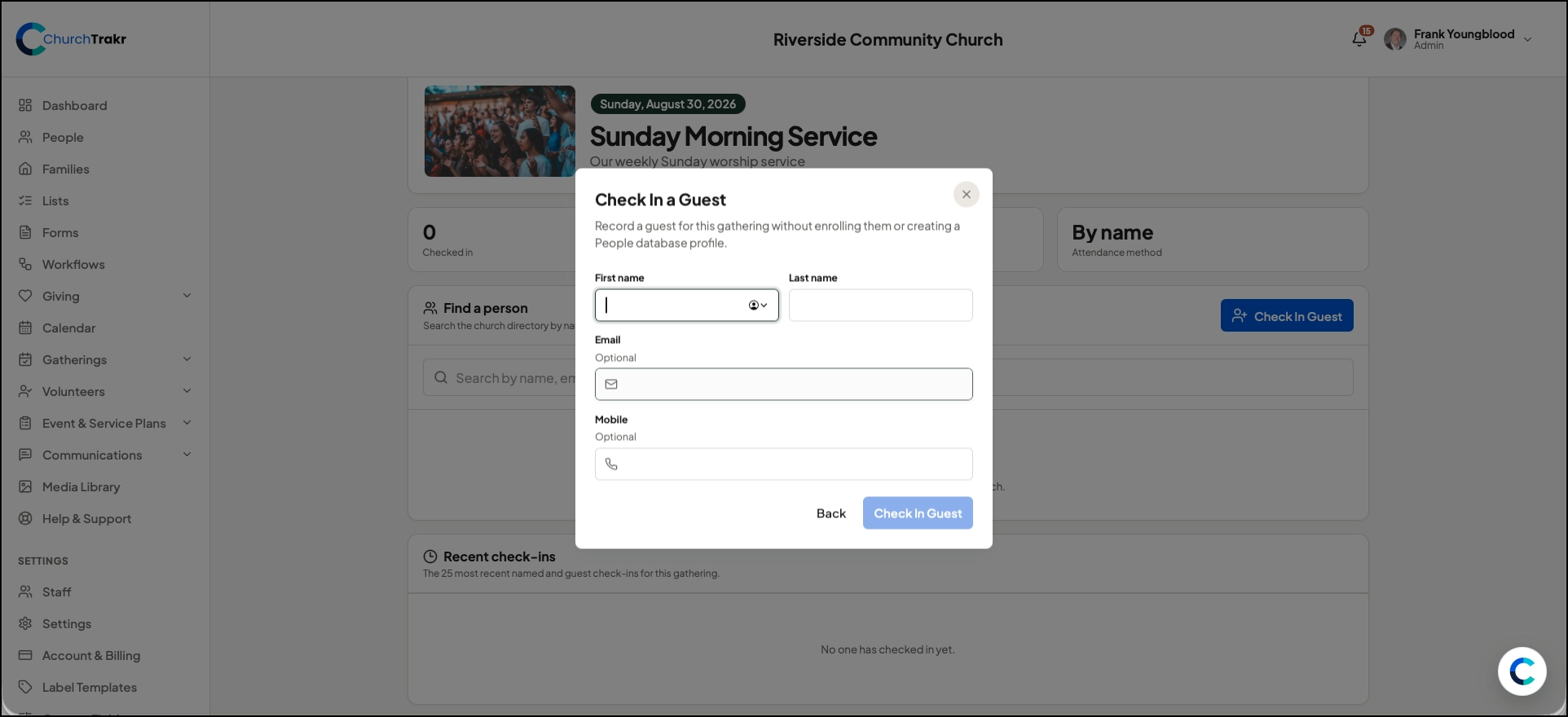
Select Check-In for the occurrence when you are ready to manage attendee check-in. Check-in is tied to the worship service and date so attendance activity stays associated with the correct occurrence.
These occurrence tools are available for future service dates. Completed occurrences remain available as historical records but cannot be changed in the same way as upcoming occurrences. Typically for worship services, just a headcount is taken and then entered that way. Identifying specific people or having people self check-in is better for smaller events and classes. You can choose either head-counting or check-in.