
Use a recurring worship service for a service that follows a regular weekly, biweekly, or monthly schedule.
Configure recurrence
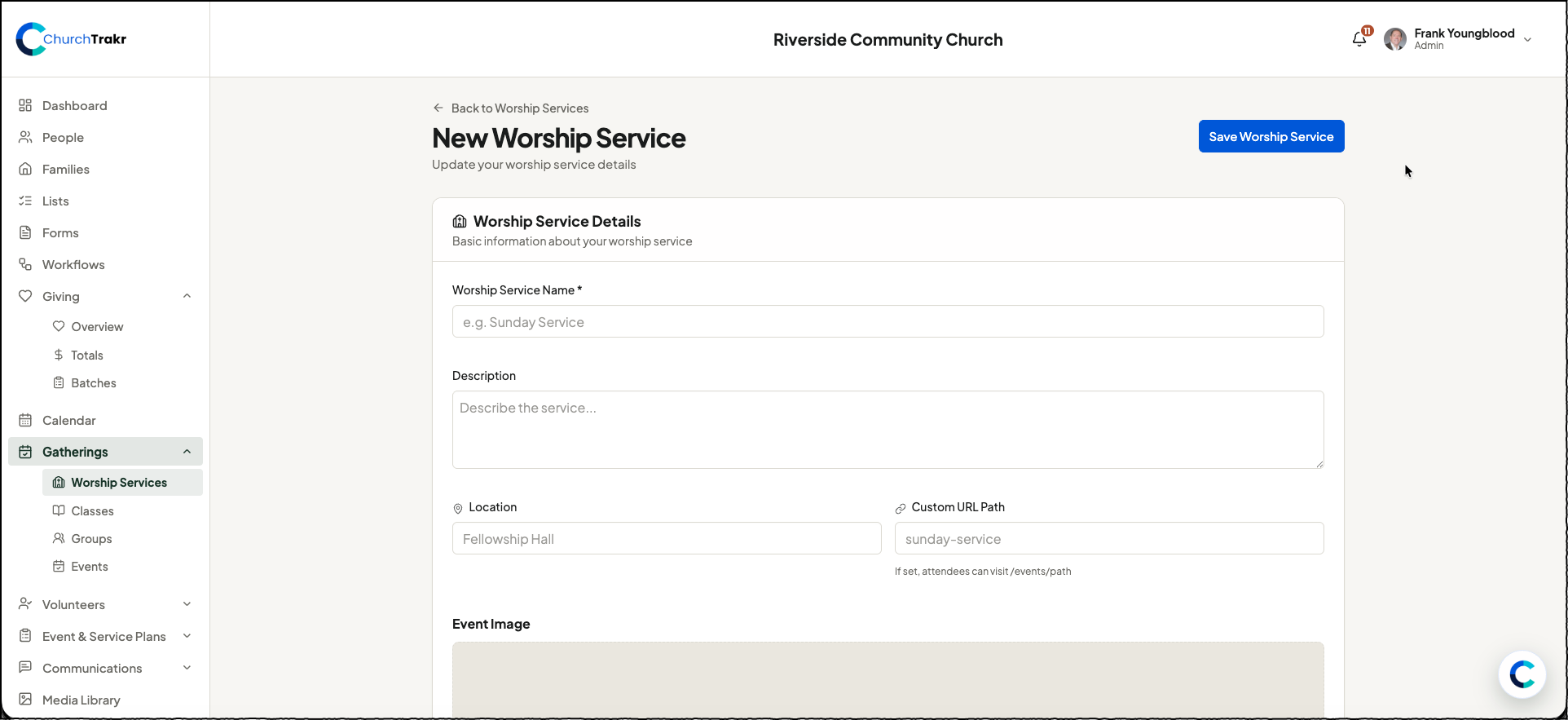
- Open Gatherings → Worship Services.
- Create a new worship service or open an existing service.
- In Date & Time, enter the first service date and the usual start and end times.
- Enable Recurring Event.
- Choose Weekly, Biweekly, or Monthly.
- Optionally enter an end date. Leave it blank when the schedule should continue indefinitely.
- Select Save Worship Service.
Manage upcoming dates
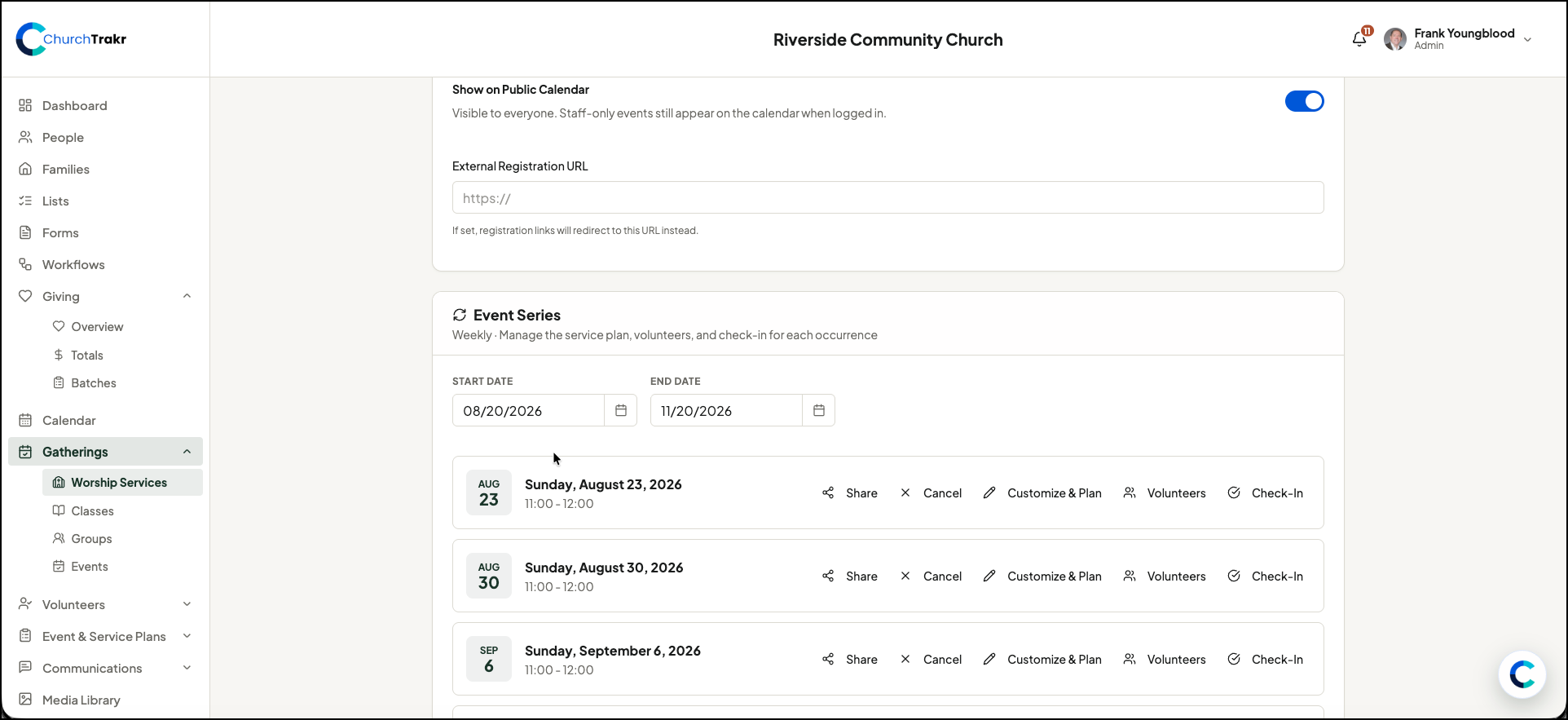
After the recurring service is saved, the Event Series section displays its occurrences. Use the date filters to find a specific range. Each future occurrence can be shared, cancelled, customized and planned, connected to volunteers, or opened for check-in.
When one date is different
Do not change the main recurring schedule just because one occurrence has a different time or plan. Open that occurrence and select Customize & Plan so the exception applies only to that service date.