
Create a worship service to track its schedule, location, visibility, registration, image, and related ministry activity.
Create the service
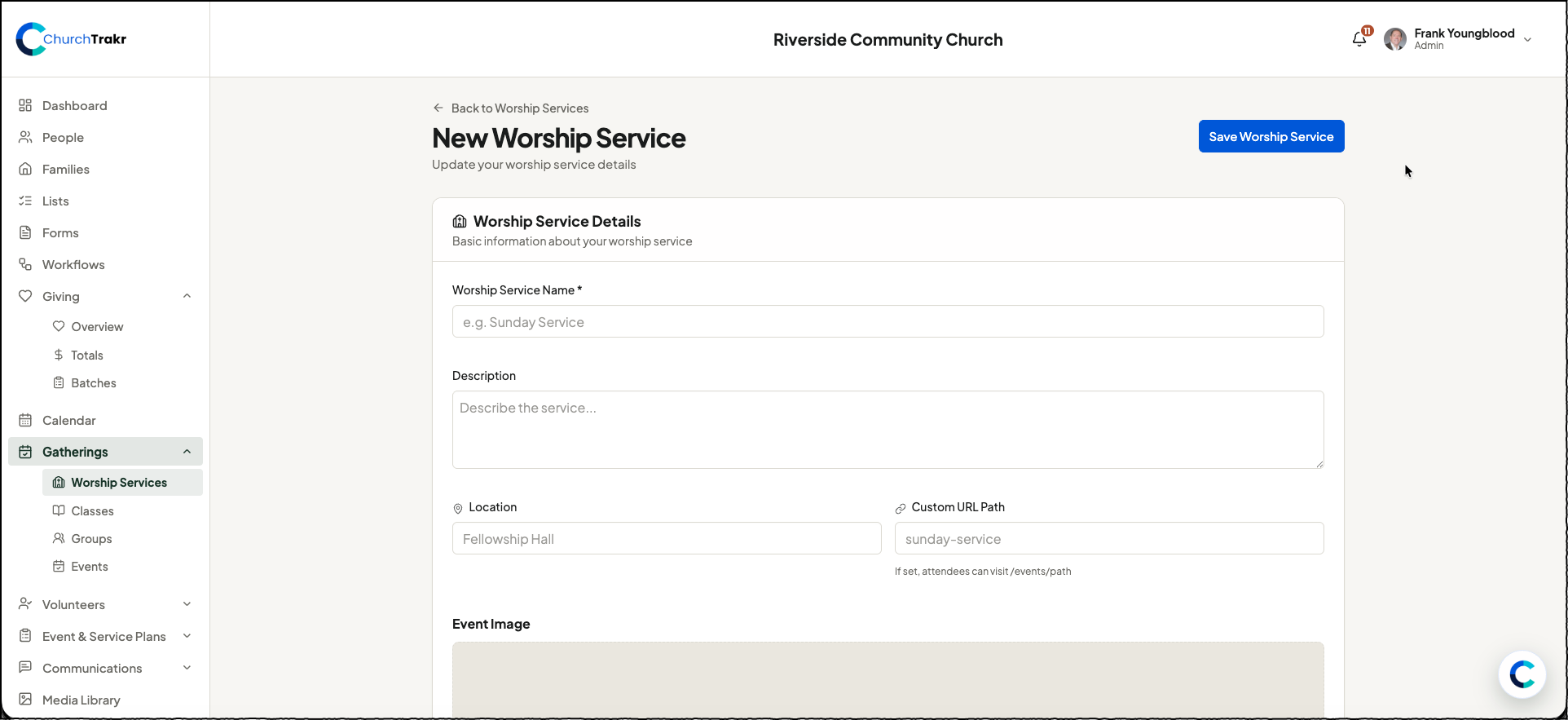
- In ChurchTrakr, open Gatherings and select Worship Services.
- Select New Worship Service.
- Enter a worship service name. You can also add a description and location.
- Choose the service date, start time, and end time.
- If the service repeats, enable Recurring Event and choose Weekly, Biweekly, or Monthly.
- Configure registration and visibility options as needed.
- Select Save Worship Service.
Optional details
- Add a custom URL path for the public portal.
- Upload an image or choose one from the ChurchTrakr Media Library.
- Reposition the image so it displays correctly as a banner.
- Enable Require Registration when attendees must register.
- Enable Show on Public Calendar when the service should be publicly visible.
- Add an external registration URL if registration is handled somewhere else.
After saving, recurring worship services display an occurrence list where you can manage individual dates.